Micro Studio
FBE now has a microstudio where you can create a variety of video-based resources to support your teaching and learning needs.
At a glance
In depth
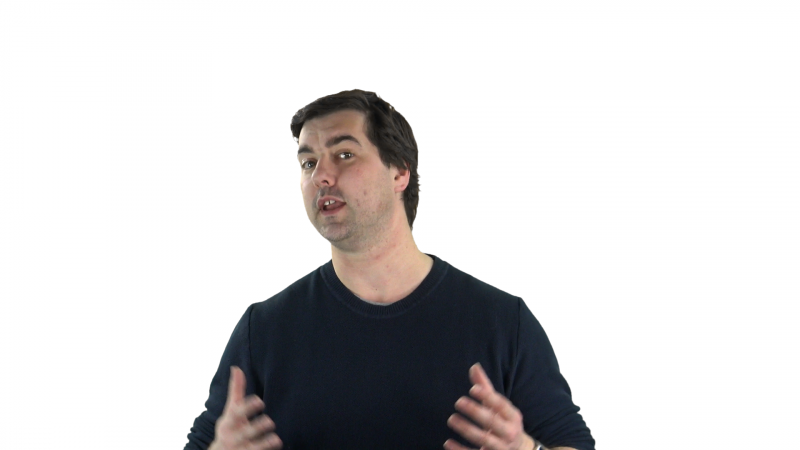
Direct to camera
This is a standard type of presentation. You can either speak freely or use the Teleprompter that is available in the space, and which will allow you to speak direct to the camera, creating the sense of more personal connection with the viewer.
Whilst the background is white here, it can be any colour – or it could even be an image or animation that may be appropriate to your topic.
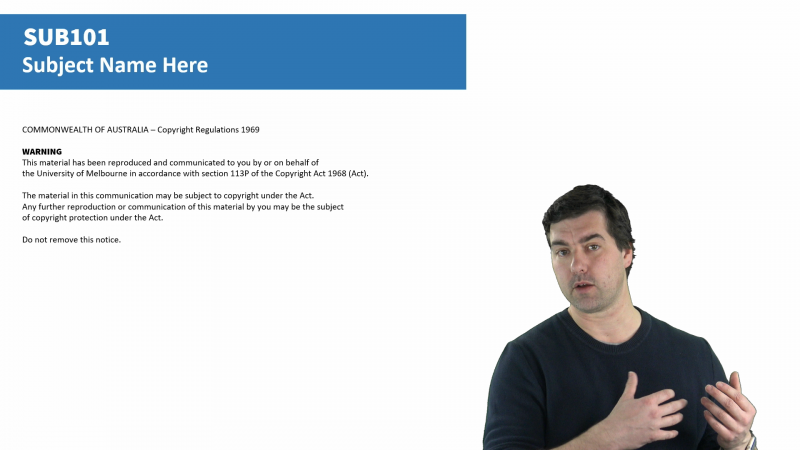
Side-by-side Powerpoint slides
This allows you to stand beside your Powerpoint slides, while you talk about or expand upon the content. We can help you to adapt existing slide structures and design your slides to better leverage this type of presentation. Live annotations on the presentation can also be captured in this mode.
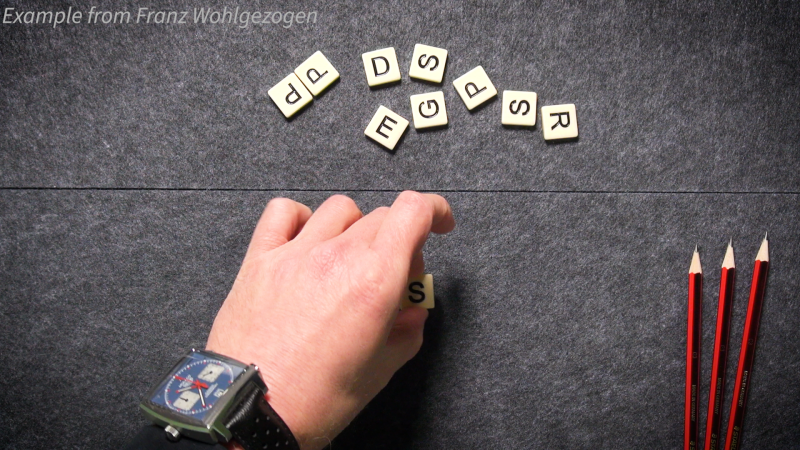
Document/object camera
This allows you to capture interactions with live objects, or to demonstrate the use of a physical tool; or you can demonstrate working through a mathematical problem using traditional paper and pen.
You can easily switch between different views and layouts while recording. For example, you can begin talking directly to camera and then jump to a side-by-side Powerpoint presentation.
Anyone who uses the microstudio will be provided with support by the WCLA.
To book, email fbe-wcla@unimelb.edu.au. Bookings are available on Mondays (from now until 20 October) and then on Mondays and Wednesdays.